Case study · Manufacturers · WooCommerce
100+ pages of coffee equipment that buyers can compare, buy or enquire from.
Kaapi Machines supplies commercial coffee equipment, training and café consulting across India. Their catalogue had outgrown its website.
- Client
- Kaapi Machines
- Industry
- Commercial coffee equipment
- Built on
- WooCommerce
- What we did
- WooCommerce development, Catalogue and product page design, Events and bookings
- Pages rebuilt
- 100+
- URLs and content
- Kept as they were
- Per product
- Buy online, send an enquiry, or both
- Events
- Listings, bookings and payments
Where they started
Kaapi Machines supplies espresso machines, grinders, brewers and barista tools to cafés, hotels and offices, and runs barista training and events alongside. The site already held more than 100 pages and ranked well for them. What it couldn't do was help someone choose: archives were flat lists, product cards showed little, and every filter reloaded the page.
Their buyers don't all buy the same way, either. A café owner pricing a commercial machine wants a conversation first. Someone reordering a tamper wants to pay and be done. The store treated every product the same.
What we changed
The URLs and content stayed where they were
The rankings were already working, so the rebuild changed what buyers see and left the page structure, URLs and content in place.
Filters that don't reload the page
Archives filter by type and brand in place, so someone comparing machines keeps their place in the list.
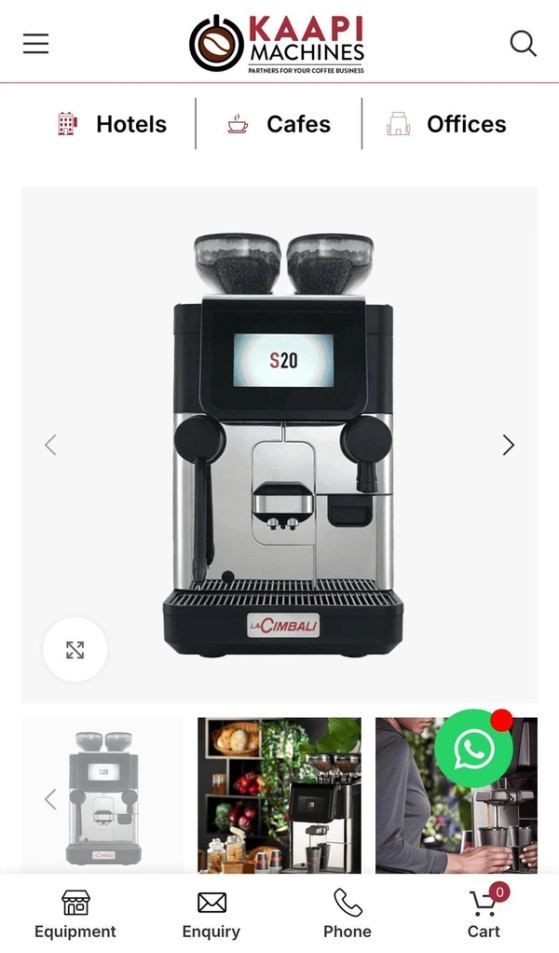
Product pages built for comparison
Specifications sit in the same order on every product, so two machines can be read side by side.
Buy, enquire, or both, product by product
Each product has its own setting: sold online, enquiry only, or both. The buttons on the product page and the product card follow that setting.
Events that take bookings and payment
Event listings filter by type, date and category, bookings follow each event's capacity, and payment is taken when the place is booked.
What they can do now
- Decide for each product whether it sells online, starts with an enquiry, or offers both.
- Let buyers compare machines without losing their place in the catalogue.
- Fill training sessions and events without taking bookings by phone.
- Add products and pages to the same templates as the catalogue grows.
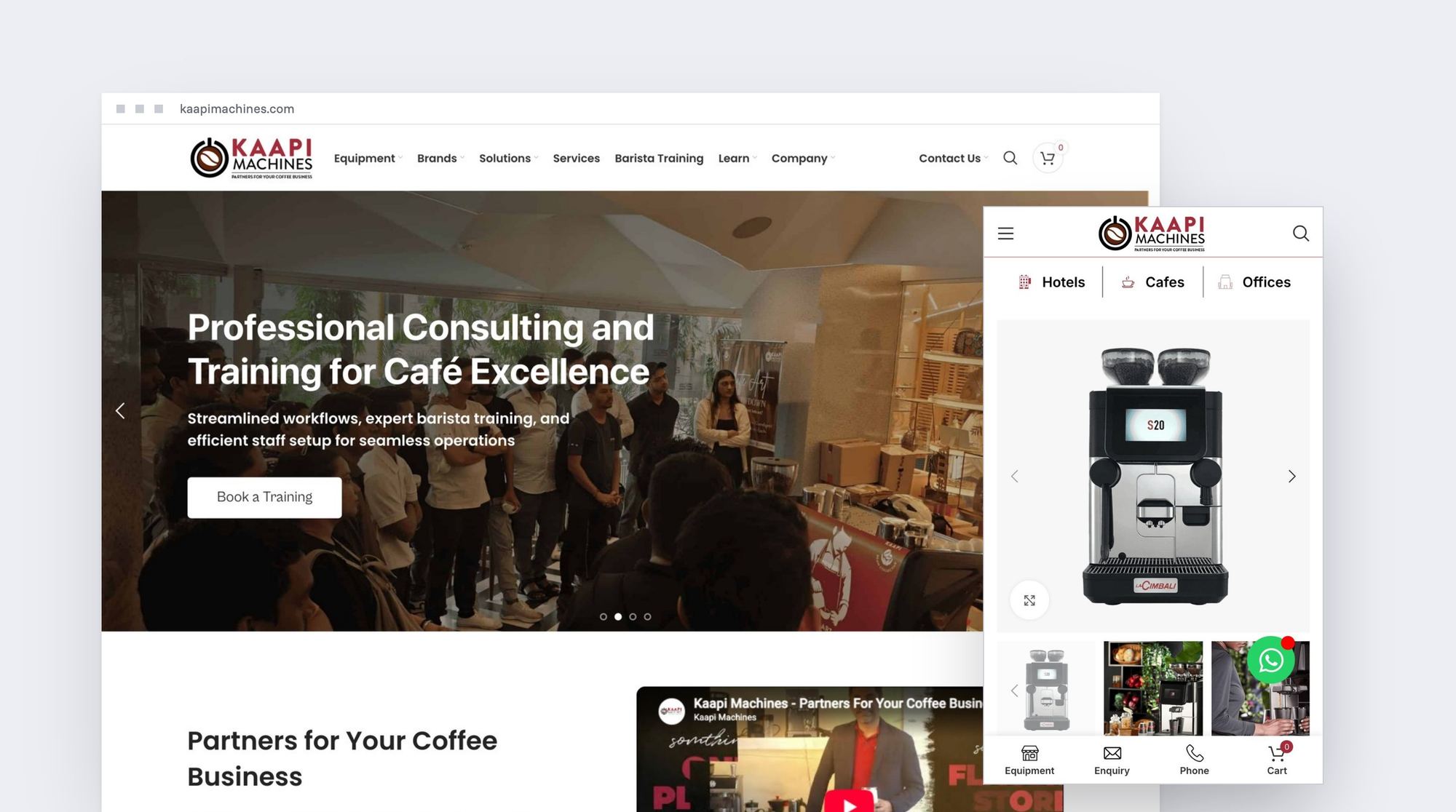
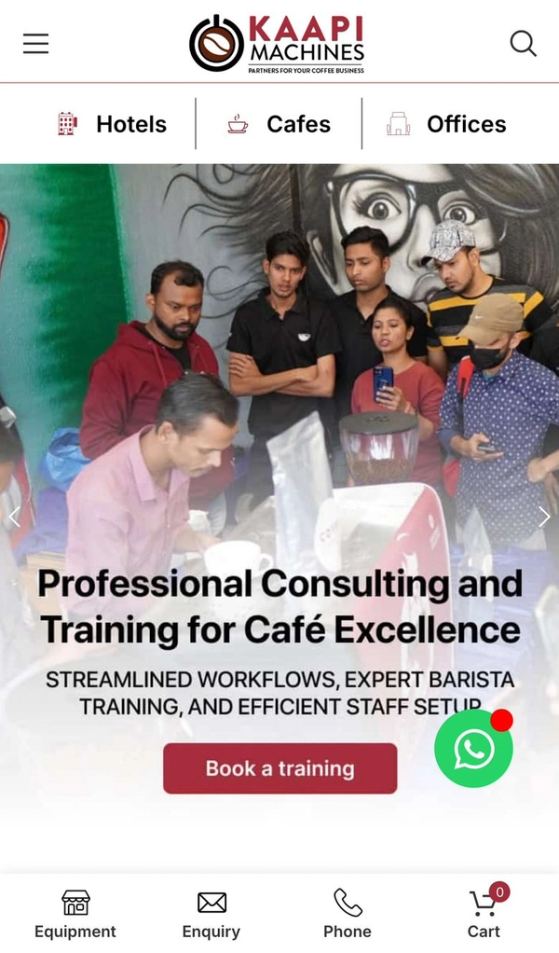
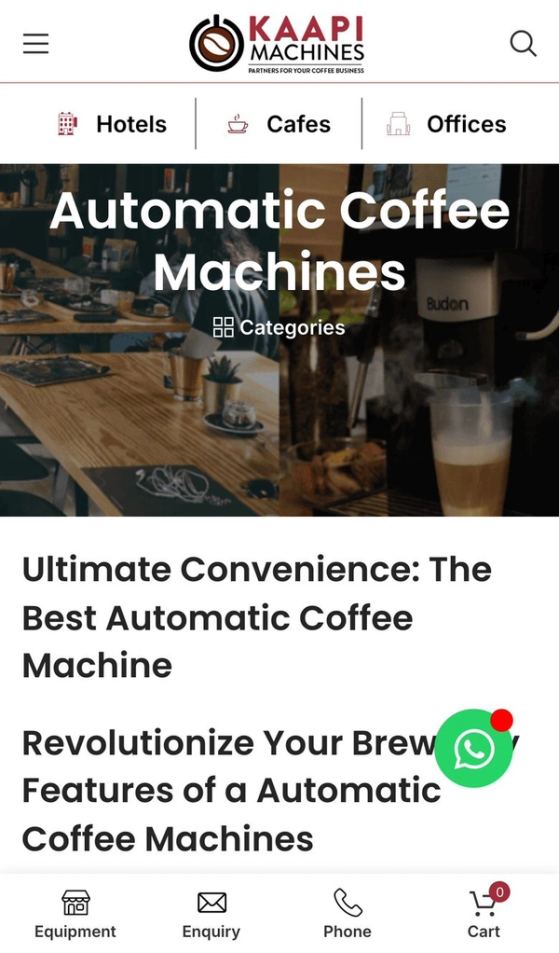
The site, page by page
On a desktop, and on a phone.
Hover over a page to scroll through it.Tap a page to scroll through it.



More case studies.
D2C & ecommerce · Shopify
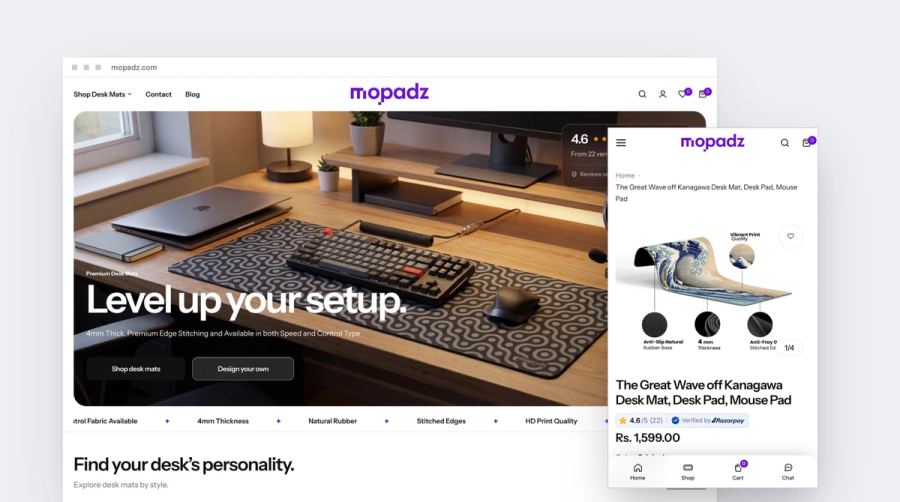
Mopadz
A new desk-mat brand, launched with SEO built into the store.
Read the case study →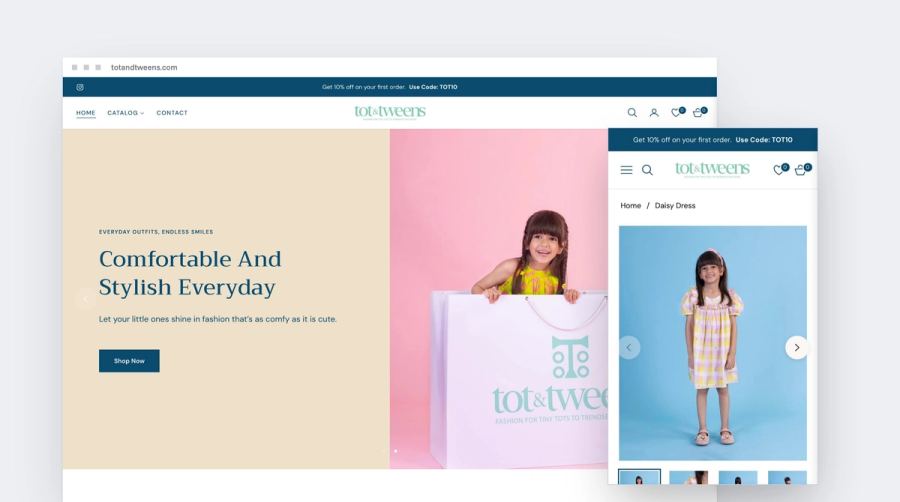
D2C & ecommerce · Shopify
Tot and Tweens
Kidswear by category, with the size range on every card and the size guide beside the selector.
Read the case study →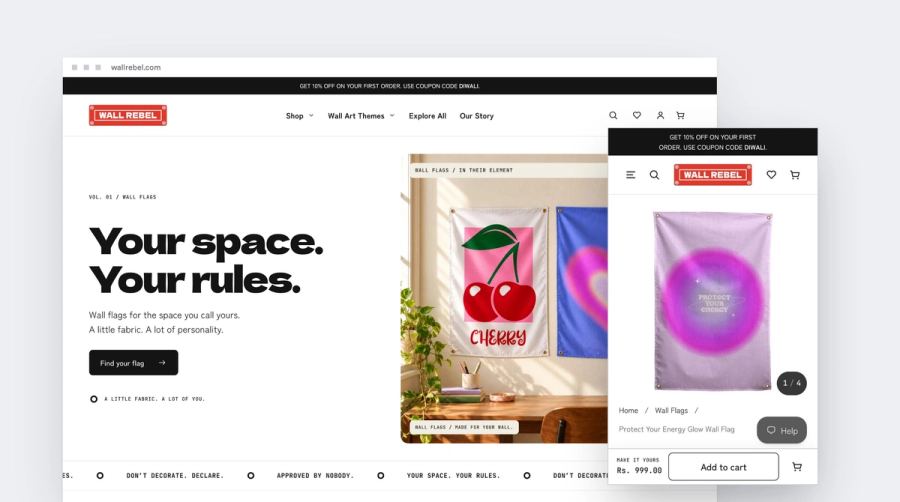
D2C & ecommerce · Shopify
Wall Rebel
Wall art shopped by what you're into: 17 themes across three formats.
Read the case study →Nothing here yet for this kind of business.
Is your business like theirs?
Tell us what you're building. You'll leave the call knowing the platform, the build and the price, in writing within a day.