Case study · Manufacturers · WooCommerce
Garment-printing machines that buyers filter and configure before they ask for a quote.
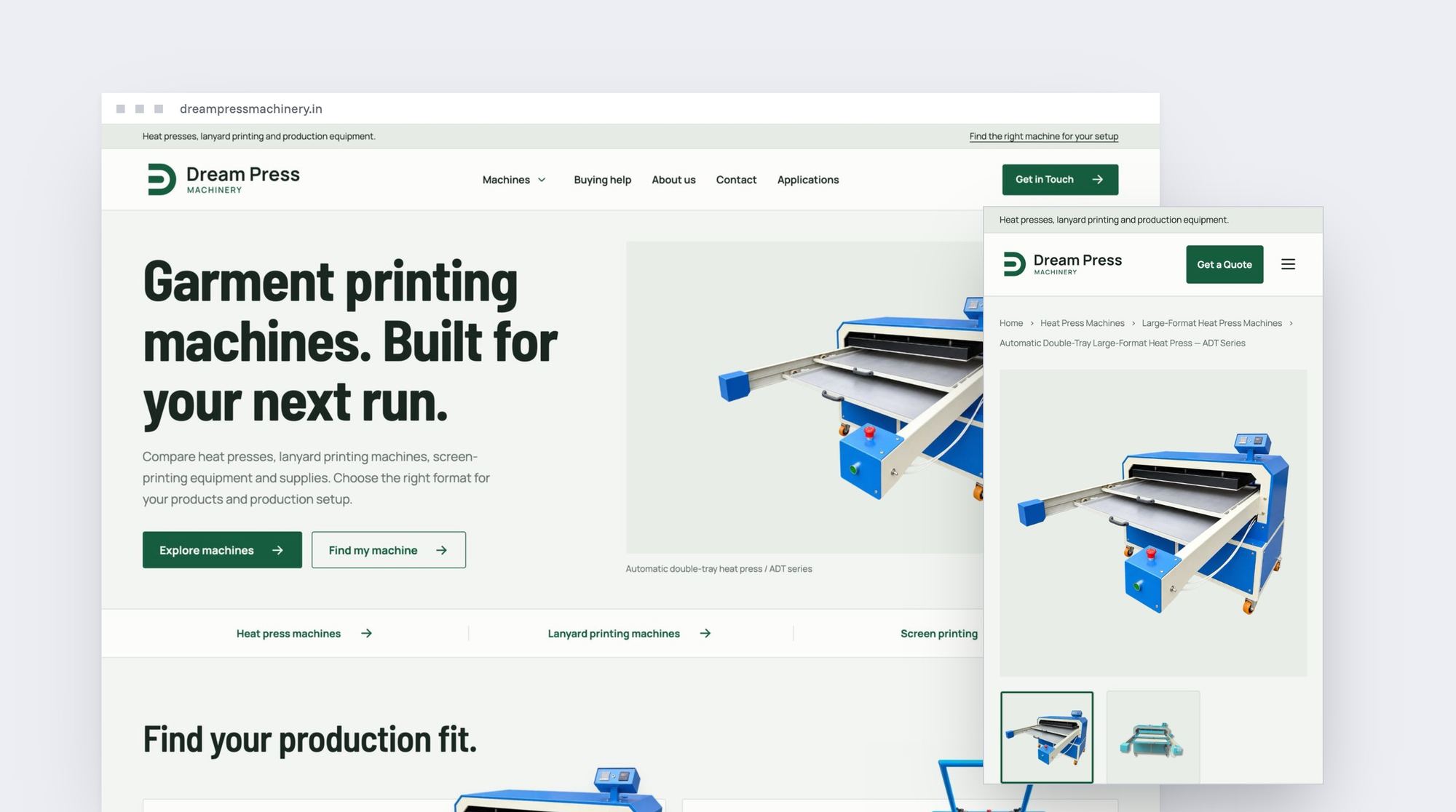
Dream Press Machinery makes heat presses, lanyard printing machines and screen-printing equipment in Noida. Its catalogue runs on a custom WooCommerce theme.
- Client
- Dream Press Machinery
- Industry
- Garment-printing equipment
- Built on
- WooCommerce
- What we did
- WooCommerce development, Custom theme, On-page SEO
- Theme
- Custom, every template built for this site, built for speed
- Plugins on the front end
- Two: WooCommerce and a contact form
- Per product
- Enquiry only, buy online, or price shown without a buy button
- Filters
- Operation and bed configuration, plus model search
- On every series
- Configurations side by side, with the chosen model sent in the quote request
Where they started
Dream Press Machinery makes garment-printing equipment in Noida: heat presses for T-shirts, jersey panels, caps and logos, lanyard printing machines, screen-printing and curing equipment, and the paper, ink and blanks that go with them. Most machines come in several configurations, and the right one depends on what the buyer prints, the print size and the space they have. The business also wanted to decide, product by product, whether a buyer sees a price, can buy online, or asks for a quote.
What we changed
A custom WooCommerce theme, every template built for it
The theme and every template in it, from the home page to category, product and guide pages, was built for this catalogue and for speed. Only WooCommerce and a contact form load on the front end, and every script on the site is its own.
Quote, buy, or show the price, product by product
Each product has its own setting in WooCommerce: enquiry only, sold online, or price shown without a buy button. The product page and the product card both follow it, so a machine that needs a conversation never shows a cart button.
Filters built around how the machines differ
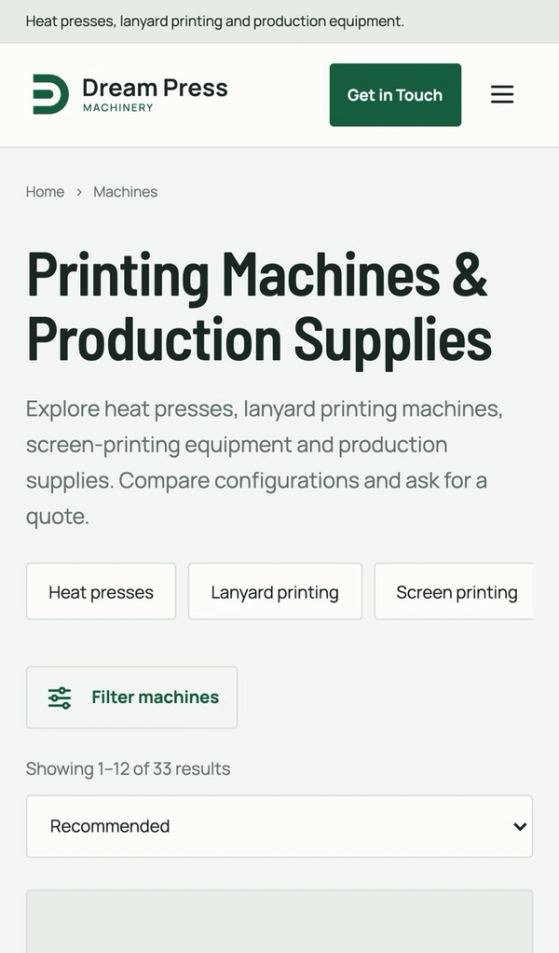
The catalogue filters by operation (manual, automatic or auto-cut) and by bed configuration (single, double, double tray or sliding), with a search by model or series. A buyer narrows to the format that fits before reading a specification.
Configurations on the product page
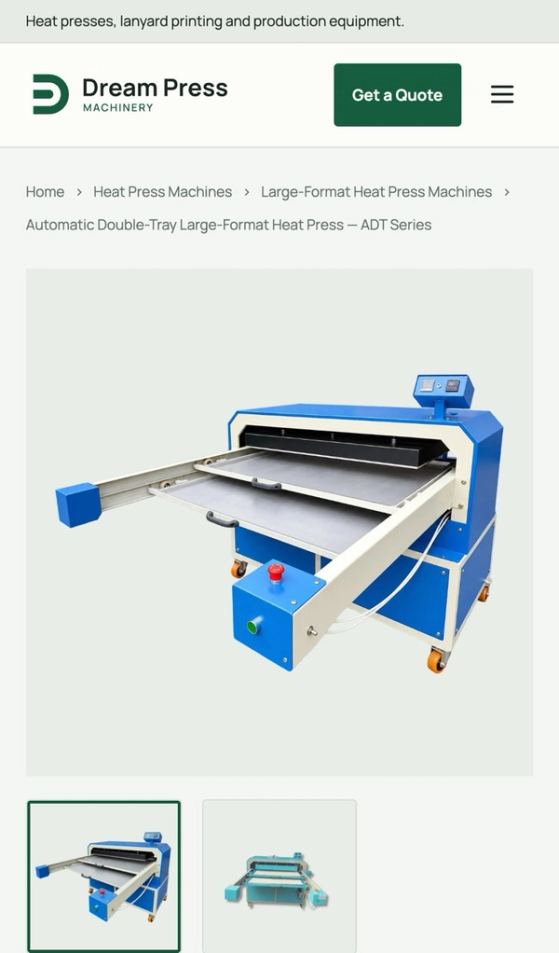
Each series shows its configurations. Choosing a platen size updates the model number, rated power and weight, and the chosen model goes into the quote request. A table sets every configuration in the series side by side.
Pages for buyers who don't know the format yet
A buying guide starts from what the buyer prints, from T-shirts and lanyards to caps and screen-printed garments, and points to the machines for each, with what to confirm before ordering. Category pages carry their own headings and buying advice, and the application pages and guides link into the machine ranges.
What they can do now
- Decide for each product whether it shows a price, sells online or asks for a quote, and change it in WooCommerce.
- Let buyers narrow the catalogue by operation and bed layout, and compare a series' configurations side by side.
- Receive quote requests that already name the model the buyer chose.
- Add machines and supplies to the same templates as the range grows.
The site, page by page
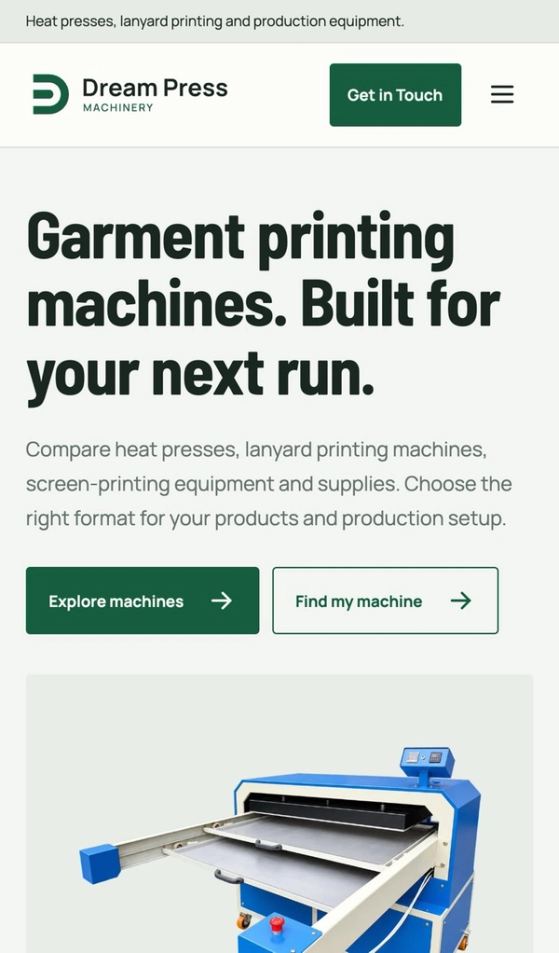
On a desktop, and on a phone.
Hover over a page to scroll through it.Tap a page to scroll through it.



More case studies.
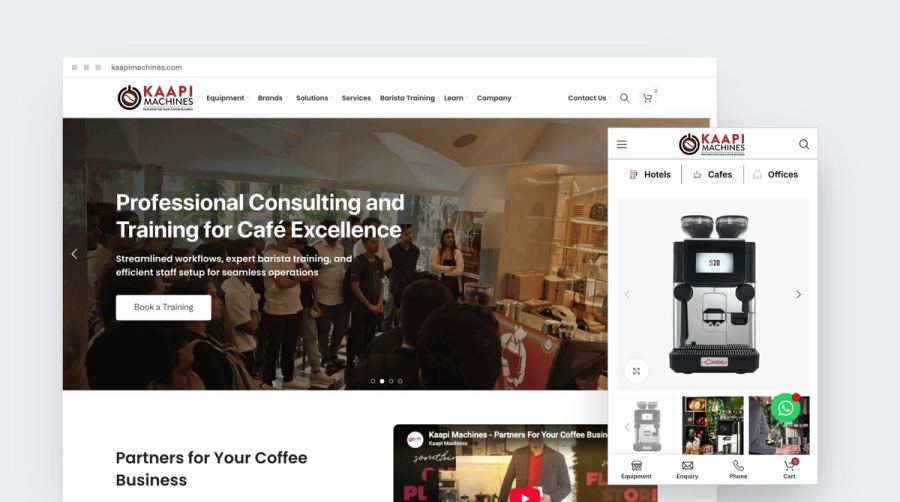
Manufacturers · WooCommerce
Kaapi Machines
100+ pages of coffee equipment that buyers can compare, buy or enquire from.
Read the case study →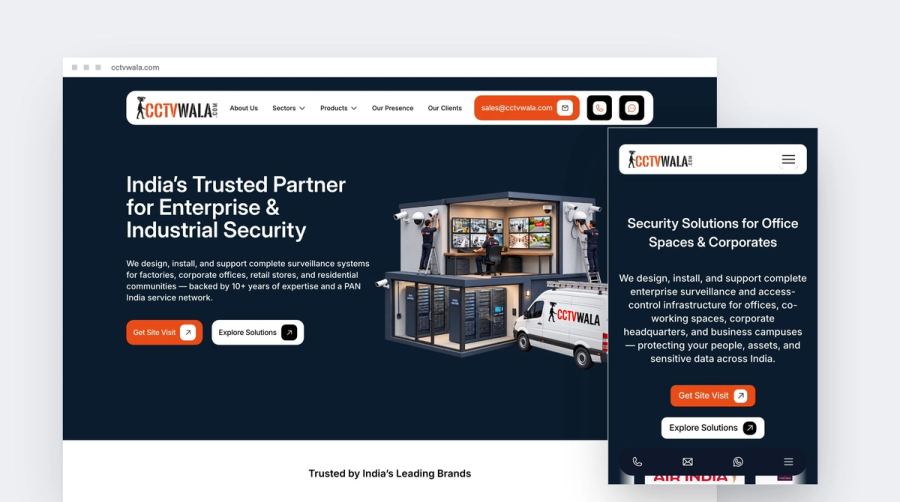
Service businesses · Framer
CCTV Wala
Security systems presented sector by sector, with a site visit as the next step.
Read the case study →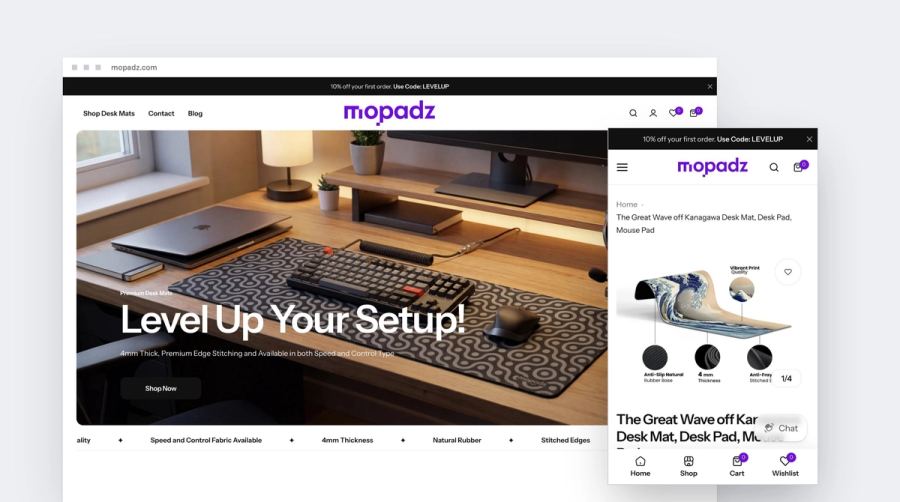
D2C & ecommerce · Shopify
Mopadz
A new desk-mat brand, launched with SEO built into the store.
Read the case study →Nothing here yet for this kind of business.
Is your business like theirs?
Tell us what you're building. You'll leave the call knowing the platform, the build and the price, in writing within a day.